Open topic with navigation
(continued from IPOD Touch I Phone)
Smart Phone (Windows Mobile/ Blackberry/Droid)
Downloading the RM Monitor application is a relatively easy process.
Note: Blackberries require OS 4.7.1 or later versions.Earlier versions of Blackberries and Droid based phones should use Opera Mini .
- Open your internet browser and type in the following;
http://rmmonitor.rmpos.com/rmmonitor/mobile/login.aspx
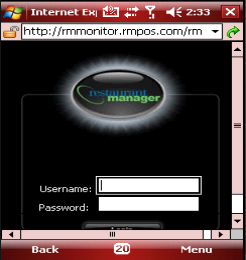
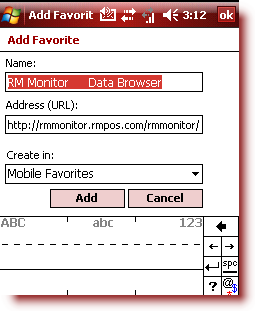
- Add the web page to favorites or bookmark once you are at the site and the above screen is shown.
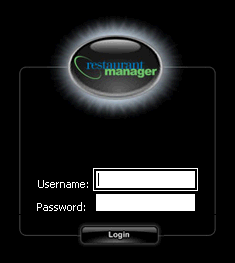
- Return to the main login screen and enter the user name and password that you have set up in the RM Monitor Admin page for the chain and then select the “Login” button on the screen.
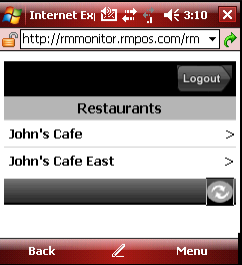
- You may now access the data
Note: Blackberries require OS 4.7.1 or later versions.Earlier versions of Blackberries and Droid based phones should use Opera Mini .
(continued in RM Monitor Administration)